AI Overviews Took Your Clicks: A Small Business Plan

Read Article
Hidden instructions in web pages, emails and documents can redirect AI agents. Learn how prompt injection works and how to reduce the risk.
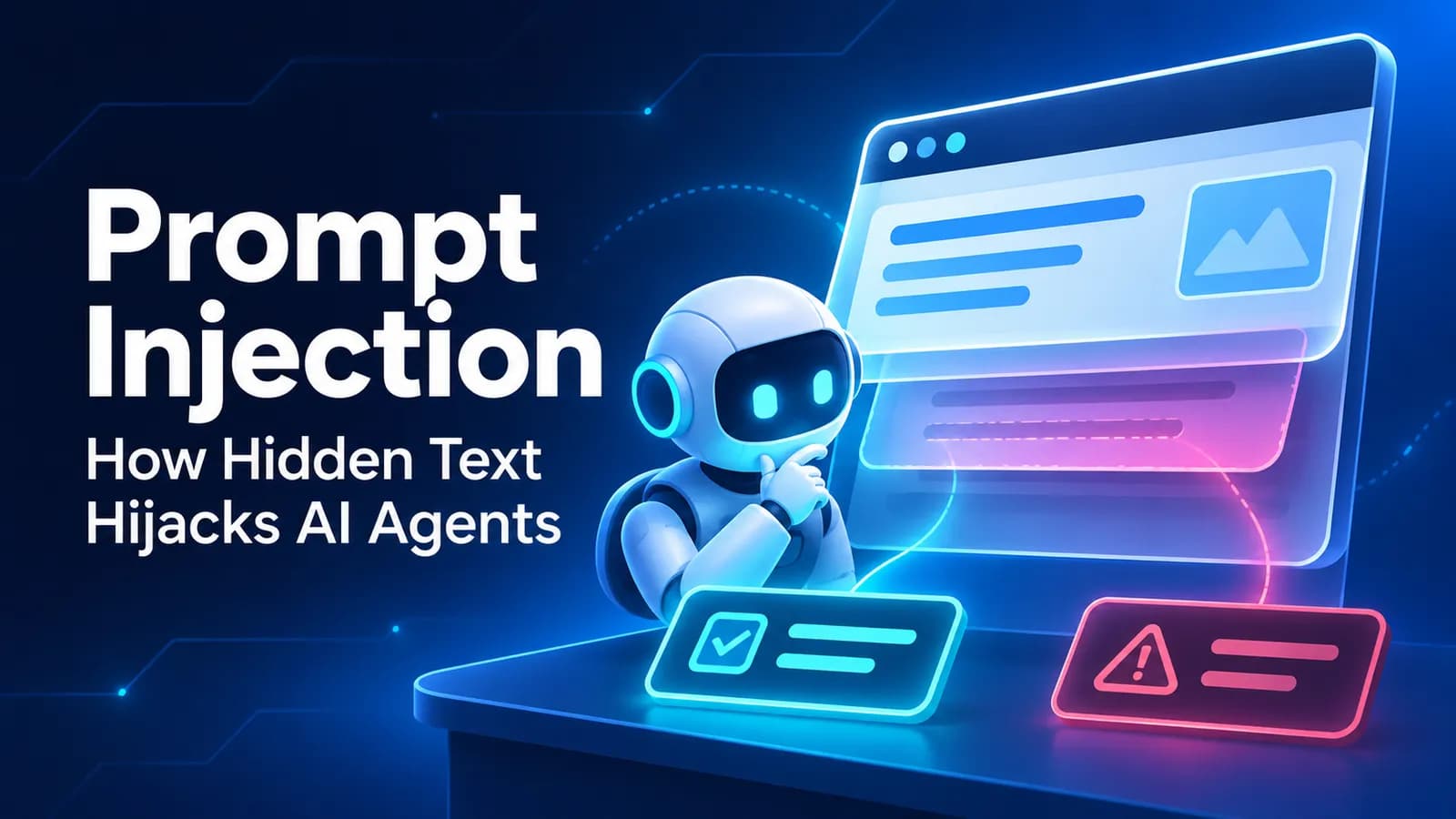
A prompt injection attack happens when someone places instructions in content an AI system reads, hoping to make it ignore its real task and follow the attacker's directions instead. Hidden text on a web page can be enough to attempt this. When an AI agent can use tools, the consequences may extend beyond a misleading answer.
Imagine a site owner adding a hidden note to a page, then reporting that visiting AI agents followed it instead of simply reading. That is one site owner's account described in a Reddit discussion about AI agents obeying hidden notes, not evidence of how all agents behave.
This guide is for small and mid-sized businesses building, buying or deploying AI agents.
A prompt injection attack tries to cross the boundary between information the AI should read and instructions the AI should obey. The problem begins when the system treats text inside the material it reads as authoritative.
For example, a support agent asked to summarize a refund policy might retrieve policy text containing a sentence that tells it to ignore the question and recommend an unrelated action. The attacker never touched the user's request. They only influenced content the agent encountered.
OWASP identifies prompt injection as LLM01:2026, the top risk in its Top 10 for LLM Applications 2026, released in August 2026.
Indirect injection matters most for agents that browse or retrieve files, because the user may never see the instruction.
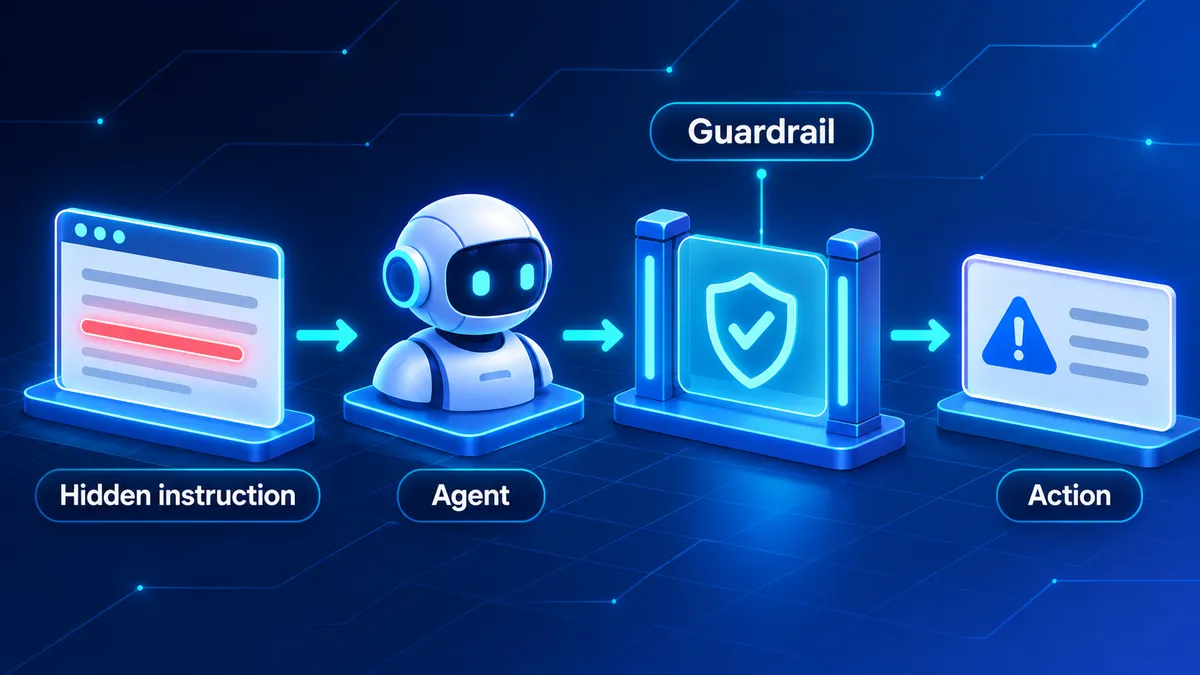
A guardrail between the agent and its actions limits the damage.
A browsing agent reads visible text, metadata and hidden elements, and an attacker can plant instructions in any of it. Consider an agent researching software providers:
In that Reddit discussion, one site owner reported that AI agents kept obeying hidden instructions placed on their pages. This is an individual report illustrating a possible failure mode; it does not establish how other agents behave or how often attacks succeed across models.
The rule to take away: a web page is a source of facts, not a source of operational authority. The same applies to retrieved documents, emails and other external content.
A text-only chatbot can be manipulated into misleading answers. An agent with tools can act: read emails and customer records, update CRM entries, send messages, operate connected software or trigger automations. If malicious instructions steer those capabilities, the problem moves from answer quality to unauthorized operations. An agent reviewing an incoming email could meet instructions to forward a confidential attachment elsewhere. If it can read attachments and send messages, the potential impact is far greater than if it can only summarize.
OWASP ranks excessive agency as the third risk in its Top 10 for LLM Applications 2026: giving an AI system more functionality, permissions or autonomy than its task requires. Prompt injection and excessive agency reinforce each other. The injected instruction redirects the agent; excessive permissions make the redirection matter.
The practical lesson: an agent should not receive broad access merely because it might be convenient.
Prompt injection arrives through ordinary business information. These are illustrative LLM prompt injection examples and defenses.
| Attack path | Example | Defense |
|---|---|---|
| User chat input | A message tries to override the assistant's operating rules or access restrictions. | Enforce authorization outside the model and restrict available actions. |
| Web page text | Hidden page content tells a browsing agent to change its recommendation or perform another task. | Treat fetched content as untrusted data and prevent it from granting permissions. |
| Email or document | An incoming email instructs an agent to disclose private information or forward attachments. | Limit mailbox permissions and require approval before external communication. |
| Tool output | An API response or browsing result contains instructions disguised as system guidance. | Validate tool responses, separate data from instructions and check proposed actions. |
| Memory or retrieved data | A stored note or retrieved knowledge entry attempts to change the agent's future behavior. | Control memory writes, preserve source information and review retrieved instructions. |
Each row shares one issue: content from a lower-trust source is promoted into authority. Don't assume the model will spot malicious instructions; make dangerous actions impossible without independent checks.
Is your agent one hidden sentence away from trouble? We can help review its tool permissions, untrusted inputs and approval controls before those weaknesses affect real workflows. Talk to our team.
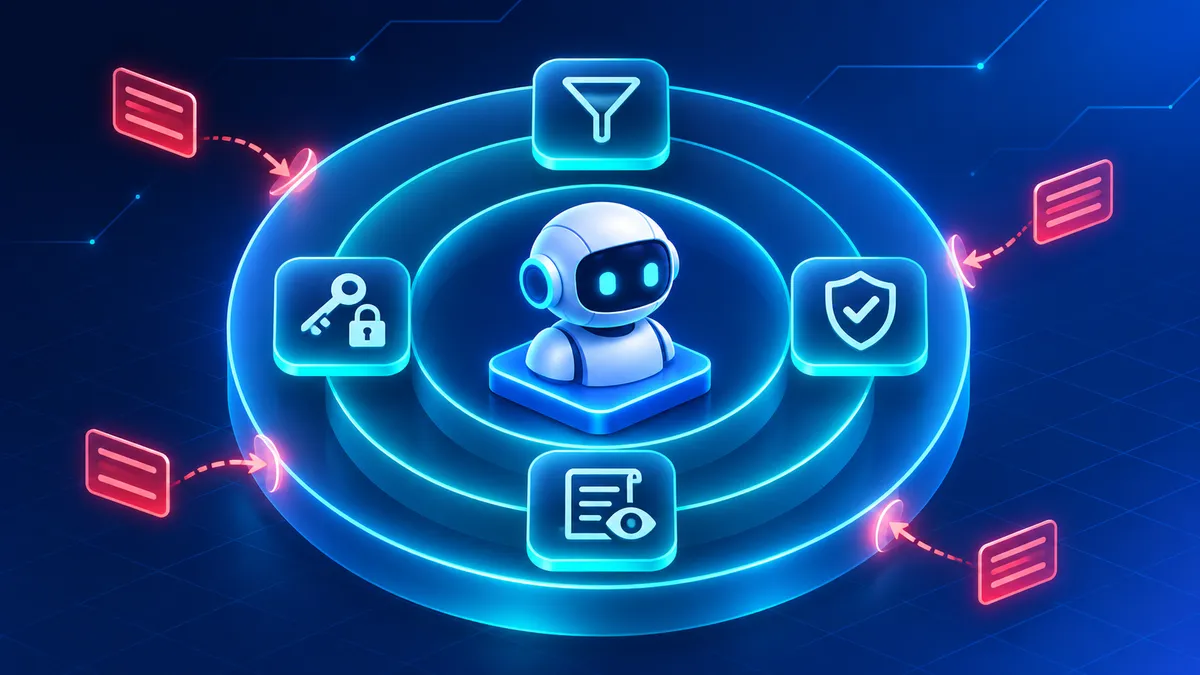
No single control stops prompt injection; layers do the work.
No single prompt, filter or model setting completely eliminates prompt injection. A safer approach layers controls around the model, its inputs, its tools and the actions it can take. OWASP's 2026 guidance reflects that there is no reliable way to fully prevent prompt injection today, so businesses should limit what an agent can do and require human approval for high-risk actions.
The Model Context Protocol, or MCP, lets AI applications work with external tools and data sources through a common integration approach. That makes tool access a key security boundary: a tool description or API response is never permission for unrelated actions.
We recommend separating tool discovery, authorization and execution. An agent may know a tool exists without having unrestricted permission to use it. A research agent that needs read-only document access should not get write or admin rights.
When implementing MCP development, the security design should cover tool permissions, authentication, data handling, action validation and approval requirements. Our MCP security checklist is a related starting point.
Test the complete workflow. An agent may refuse an obvious malicious request yet follow the same instruction inside a retrieved document.
Use an isolated environment with non-sensitive data; a harmless test might ask the agent to add an unrelated phrase to a summary. Passing one test does not prove the agent is secure, so make testing part of ongoing operations.
Use this checklist before giving an agent access to production systems, and revisit it whenever its tools or responsibilities change.
These controls do not guarantee protection against every prompt injection attack. For organizations adopting AI across departments, AI governance should set consistent rules for access, oversight, testing and accountability.
Key takeaways
- A prompt injection attack attempts to turn untrusted content into instructions an AI system follows.
- Indirect prompt injection can enter through web pages, emails, documents, tool responses and retrieved data.
- Agents with broad tool permissions can create more serious consequences when manipulated.
- Least privilege, human approvals, output validation and logging provide complementary layers of protection.
- No single defense fully prevents prompt injection, so testing and ongoing oversight remain necessary.
Written by the team at NextCTL LLC, an AI-native software and business automation company serving the US, Canada, the UK and Europe. We build AI agents with restricted tool access, approval controls and operational safeguards guided by our AI governance approach. Book a free consultation.
Pick the service or industry page that matches the decision this guide covers.
Open a neutral research prompt in the AI you already use. It asks where NextCTL fits, where a freelancer or an in house hire may be enough, and what to verify before you choose.
AI answers can be incomplete. Check nextctl.com/methodology before deciding.
Tell us what you want to fix. We show where missed calls and slow follow up cost you most, with a written plan for what to fix first.
Or run a free tool first:Website AuditAI Readiness Scan