Global Privacy Control in 2027: What Your Website Must Honor

Read Article
Microsoft is switching off Exchange Web Services in Exchange Online on April 1, 2027, with no exceptions. Here is how a small business finds what still depends on it and fixes it.
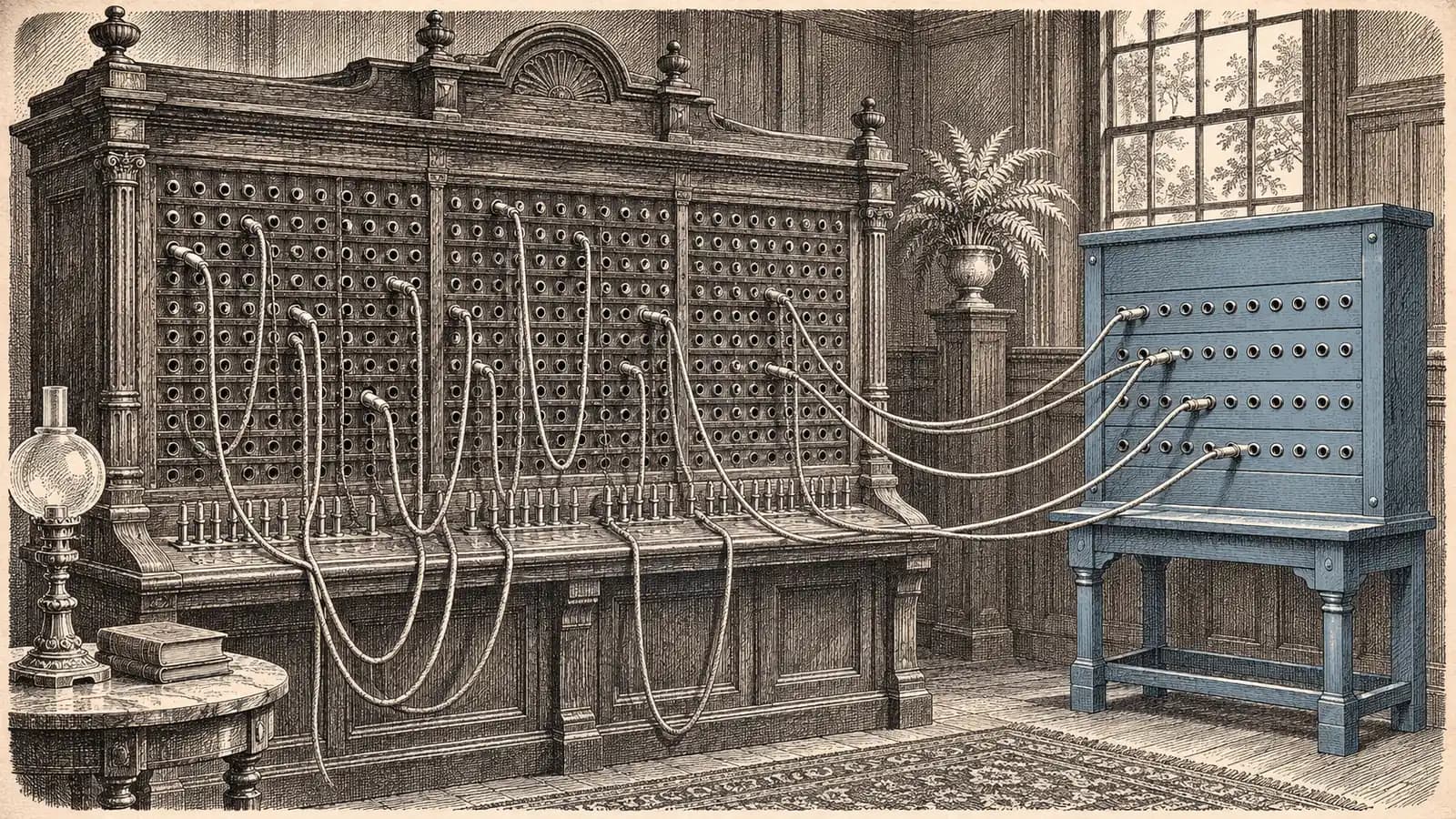
Your Microsoft 365 inbox may be working perfectly while an older business tool quietly loses access to it.
The problem might not be Outlook. It could be the software connected behind it.
EWS retirement means Microsoft is permanently shutting down Exchange Web Services in Exchange Online on April 1, 2027. Some integrations may already have stopped working following changes that began in October 2026. Businesses should identify affected applications, confirm vendor migration plans, and move remaining mailbox connections to Microsoft Graph before the final deadline.
Exchange Web Services (EWS) is an older Microsoft API that lets third-party software and internally developed applications read and write mailbox information, including emails, calendars, and contacts. Many exchange online integrations, from email archiving and CRM synchronization to reporting and email automation, were built on it.
The exchange web services deprecation has been a long time coming. According to the Microsoft Learn EWS deprecation guidance, the timeline is:
From October 1, 2026, Microsoft began changing the EWSEnabled setting from Null to False for affected tenants. A value of False blocks EWS access for all applications.
Administrators can temporarily restore access by changing the setting back to Null, or by setting EWSEnabled to True with an AppID allow list that identifies permitted applications.
Tenants that had configured the allow list and set EWSEnabled=True by the end of September 2026 were excluded from that automatic change.
These controls are temporary. On April 1, 2027, Microsoft will disable EWS completely and remove administrators' ability to control EWS availability through this setting.
The Microsoft Exchange Team's retirement announcement explicitly states that there will be no exceptions beyond April 2027.
Important: This retirement applies to Microsoft 365 and Exchange Online. On-premises Exchange Server is not affected by this EWS retirement, according to Microsoft.
Possibly. The phased disablement means an application that previously connected through EWS may already be unable to access Exchange Online. Not every failed integration is an EWS problem, but EWS should be one of the things your IT administrator or software vendor checks.
Look for symptoms such as:
The distinction is between the tool itself and its connection to Exchange Online. A CRM might still open normally, while the background integration that copies email conversations into those records could have stopped.
Microsoft documents temporary administrative controls through EWSEnabled and application allow lists. Your administrator can review the Microsoft documentation for controlling EWS access and, if the phased rollout disabled EWS, restore access temporarily while a replacement is prepared.
However, restoring EWS is not the migration. Any temporary allowance ends with the permanent shutdown on April 1, 2027. Treat it as a short-term continuity measure, not a reason to postpone the work.
Start with evidence rather than guessing. Microsoft provides EWS usage reports in the Microsoft 365 admin center to help organizations identify applications still accessing Exchange Online through EWS.
Ask your Microsoft 365 administrator to review those reports against your business software inventory. Microsoft's EWS deprecation page also points to an EWS Analyzer tool and a tutorial for AI-assisted code analysis and refactoring, which matter most if you have custom scripts, in-house connectors or automation workflows.
For purchased software, ask the vendor directly:
Do not assume that a recently updated product has already removed EWS. A vendor may have refreshed its interface while keeping an older mailbox connector.
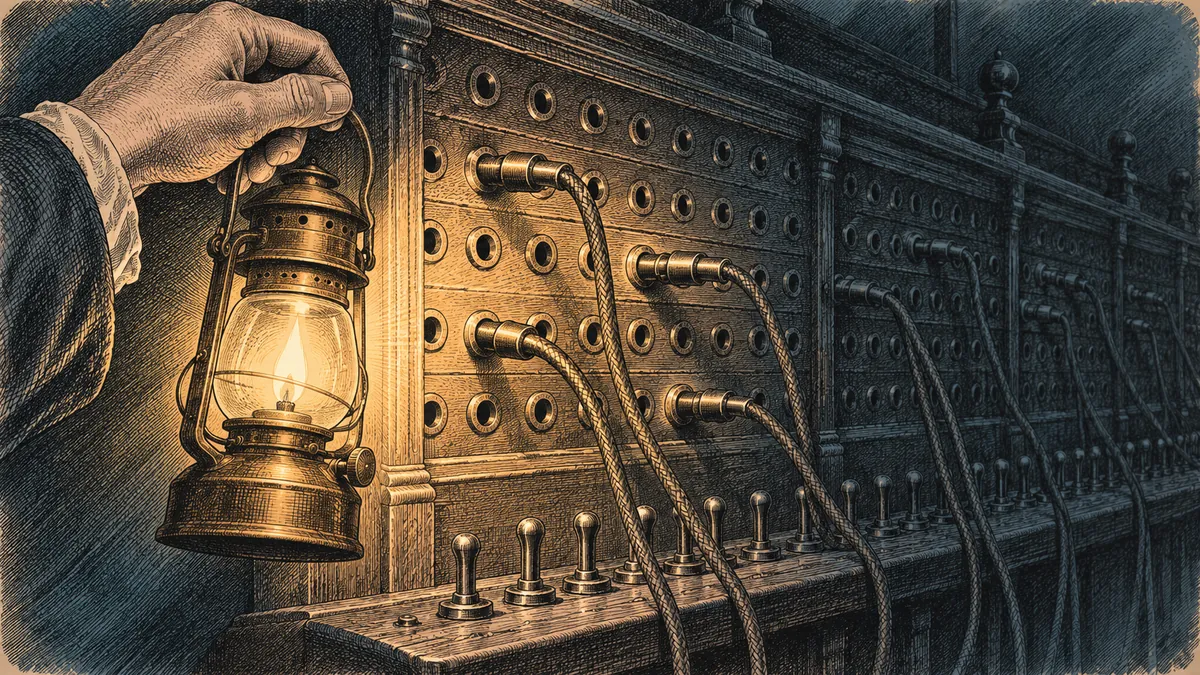
Finding older mailbox connections starts with tracing which applications still depend on them.
| Tool or workflow | How it may use EWS | What to ask or check | Likely fix before 1 Apr 2027 |
|---|---|---|---|
| Email archiving or backup tool | May read mailboxes to collect and store messages | Check with the vendor whether the connector still uses EWS | Update to a Graph-compatible connector or replace the integration |
| CRM email/calendar logging plug-in | May copy email conversations and meetings into customer records | Ask whether the installed plug-in uses EWS | Install the vendor's Graph-supported version |
| Scan-to-email or copier workflow | May use an EWS-based mailbox connection in some configurations | Check the actual sending and mailbox integration method with the vendor | Reconfigure or replace the affected connector if it uses EWS |
| In-house PowerShell or Python mailbox script | May read, search, or update mailbox information through EWS | Review code and Microsoft usage reports | Rewrite affected mailbox operations using Microsoft Graph |
| Shared calendar or room booking app | May read or update Exchange calendars | Check with the vendor whether calendar synchronization calls EWS | Upgrade or replace the calendar connector |
| AI email-triage or scheduling agent | May read emails, create calendar events, or update mailbox items | Inspect the agent's mailbox tools and API connections | Move affected calls to Graph and review permissions |
| Reporting or BI connector reading mailboxes | May extract mailbox information for reports | Check with the vendor or inspect custom connector code | Replace EWS calls with supported Graph operations |
Not every tool in this table uses EWS. Some may already use Microsoft Graph or another supported connection method; the point is to verify the actual dependency.
For businesses with several connected systems, NextCTL's integration services can help map which applications exchange data and where older connections need attention.
Need help finding hidden EWS dependencies? NextCTL LLC can review your Microsoft 365-connected applications, custom scripts and automation workflows before the final shutdown. Book a free EWS dependency check.
Microsoft recommends migrating applications that access Exchange Online from EWS to Microsoft Graph, the API Microsoft points developers to for email, calendar and contact operations. In August 2018, Microsoft announced there would be no active investment in EWS APIs for Exchange Online.
For a business owner, moving from EWS to Microsoft Graph does not mean replacing Microsoft 365 or rebuilding every application. The required change depends on who owns the software.
If you bought the software: Ask the vendor for its Microsoft Graph-compatible version. Install the supported update, review the required configuration changes, and test the integration.
If your business owns the script or application: Your developer needs to replace the EWS mailbox calls with appropriate Microsoft Graph operations. The rest of the application may not need to change.
If a third party built the automation: Ask that provider to confirm which API it uses and whether its migration is complete.
The Microsoft Graph migration overview is the right starting point for the technical team's Microsoft Graph API migration.
A sensible migration has four parts. First, identify what the integration actually does. Reading an inbox is different from creating calendar events or updating contact records.
Second, confirm that the replacement supports the required business functions. Microsoft acknowledges remaining feature-parity gaps that it is working on, so some less common EWS functions may require an alternative approach.
Third, review application permissions. Moving to Graph may require a Microsoft 365 administrator to grant or re-consent to permissions.
Finally, test the replacement on a small number of mailboxes, checking that messages, calendar events and records move correctly, before expanding it across the organization.
For custom applications, NextCTL's AI integration services can help connect business systems through supported APIs rather than relying on aging mailbox integrations.
AI agents deserve particular attention because their mailbox connections may not be obvious to the people using them. An email-triage agent, meeting scheduler or CRM logging automation built during 2023–2025 may use EWS, depending on how it was implemented.
For example, consider an agent that:
If its mailbox connection depends on EWS, that part of the workflow needs to be migrated. The language model is not the issue; the connector that lets the agent reach Microsoft 365 is.
A properly migrated agent should use Microsoft Graph for supported mailbox operations, request only the permissions necessary for its job, and maintain logs of relevant access and actions.
An agent that only reads incoming messages should not receive broad mailbox modification permissions. Our MCP security checklist covers practical permission hygiene for AI-connected tools.
And if an older mailbox script has grown into a larger business process, consider whether the entire workflow needs simplifying. NextCTL's workflow automation services focus on connecting these systems into maintainable processes.
Treat EWS retirement as a small integration migration project with a named owner, not an open-ended IT reminder. Work through it in this order, with the fixed date being Microsoft's:

Moving older integrations to supported connections before the deadline helps protect business continuity.
A spreadsheet with the application name, owner, vendor response, migration status and test result may be enough.
If your business depends on several automated systems, NextCTL's managed AI services can support ongoing monitoring and maintenance after migration.
The biggest mistake is assuming that because Outlook works, every application connected to Microsoft 365 is safe. EWS retirement is an integration issue: a business can use Outlook every day without noticing that a background archiving tool, CRM connector or custom automation still relies on EWS.
The October 2026 changes make it worth checking now. The April 1, 2027 shutdown makes a permanent fix necessary. You do not need to migrate every Microsoft 365 application. You need to identify the ones still using EWS, move those connections to supported alternatives, and confirm that the business workflows continue to function.
This article is general guidance, not a substitute for advice from your Microsoft partner or software vendor about your specific environment.
Need a second pair of eyes on your Microsoft 365 integrations? NextCTL LLC helps businesses review connected applications, migrate custom integrations and maintain AI-powered workflows. Book a free consultation with NextCTL LLC to discuss your EWS retirement readiness.
Microsoft will fully and permanently disable Exchange Web Services in Exchange Online on April 1, 2027. Phased disablement began on October 1, 2026, for tenants that had not configured the required opt-in. Some applications may therefore already be affected. Businesses should identify remaining EWS dependencies and migrate them before the final shutdown rather than relying on temporary administrative settings.
No. Microsoft states that this EWS retirement applies to Microsoft 365 and Exchange Online, not on-premises Exchange Server. Organizations running on-premises Exchange should still maintain their systems according to Microsoft's applicable support guidance, but the April 1, 2027 Exchange Online EWS shutdown does not itself remove EWS from on-premises Exchange Server.
Start with Microsoft's EWS usage reports in the Microsoft 365 admin center. Your IT team can also use the EWS Analyzer/Code Analyzer tool and Microsoft's AI-assisted code analysis guidance to investigate custom applications. For purchased software, contact the vendor and ask whether your installed version uses EWS against Exchange Online and whether a Microsoft Graph-compatible update is available.
No. Microsoft says there will be no exceptions beyond April 2027. Administrators can temporarily manage EWS access before the final shutdown using the documented EWSEnabled settings and application allow lists, but those controls do not extend the retirement deadline. Any application that still requires EWS in Exchange Online needs a supported replacement or migration before April 1, 2027.
Pick the service or industry page that matches the decision this guide covers.
Open a neutral research prompt in the AI you already use. It asks where NextCTL fits, where a freelancer or an in house hire may be enough, and what to verify before you choose.
AI answers can be incomplete. Check nextctl.com/methodology before deciding.
Tell us what you want to fix. We show where missed calls and slow follow up cost you most, with a written plan for what to fix first.
Or run a free tool first:Website AuditAI Readiness Scan