 B2B demand
Marketing use case
B2B demand and distributor inquiries
Search and technical content that put your products in front of buyers, engineers, and distributors, with every inquiry tracked from source to quote.

Marketing that brings in distributor and buyer inquiries, plus quote agents and dashboards that connect orders, production, and your team.
B2B demandSearch and technical content that put your products in front of buyers, engineers, and distributors, with every inquiry tracked from source to quote.
 Dashboards
Order, production, and maintenance information pulled into clear dashboards, with workflow tools that route requests and approvals so teams stop chasing updates.
Most issues are information problems, not machine problems. These four show up first.
Product data lives in PDFs and catalogues, engineers searching by specification find competitors first, and distributors lack answers.
Requests come by email and phone without quantities, materials, or tolerances, and each one is chased by hand before quoting can start.
Dealers and distributors ask the same product, availability, and documentation questions, and the sales team answers each one manually.
Order progress, maintenance requests, and quality notes sit in spreadsheets and whiteboards, so leaders learn about problems late.
Start with the gap that costs the most time. Each part shares the same product and customer data.
 Specification search
Marketing built around how engineers, buyers, and distributors search.
Agents that capture the right details and answer the repeat questions, with people in the loop.
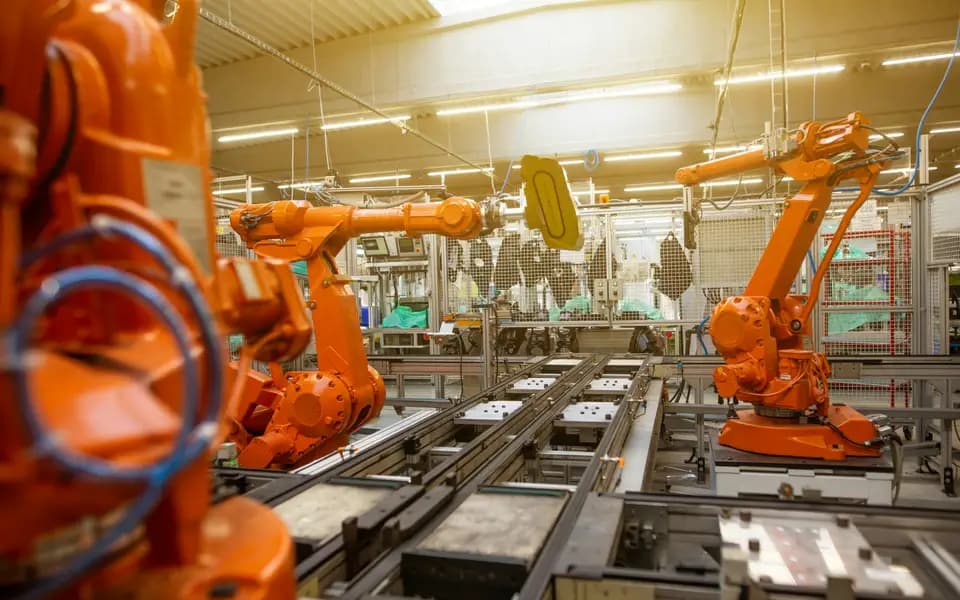 Workflow tools
Software that brings information together and moves work forward.
A typical path for a manufacturing order. Each step has an owner, and decisions stay with your team.
A request arrives with the specification captured.
Sales and engineering review and approve the quote.
The order and its steps are tracked from your systems.
Checks and exceptions are logged and flagged.
Status and documents are shared with the customer.
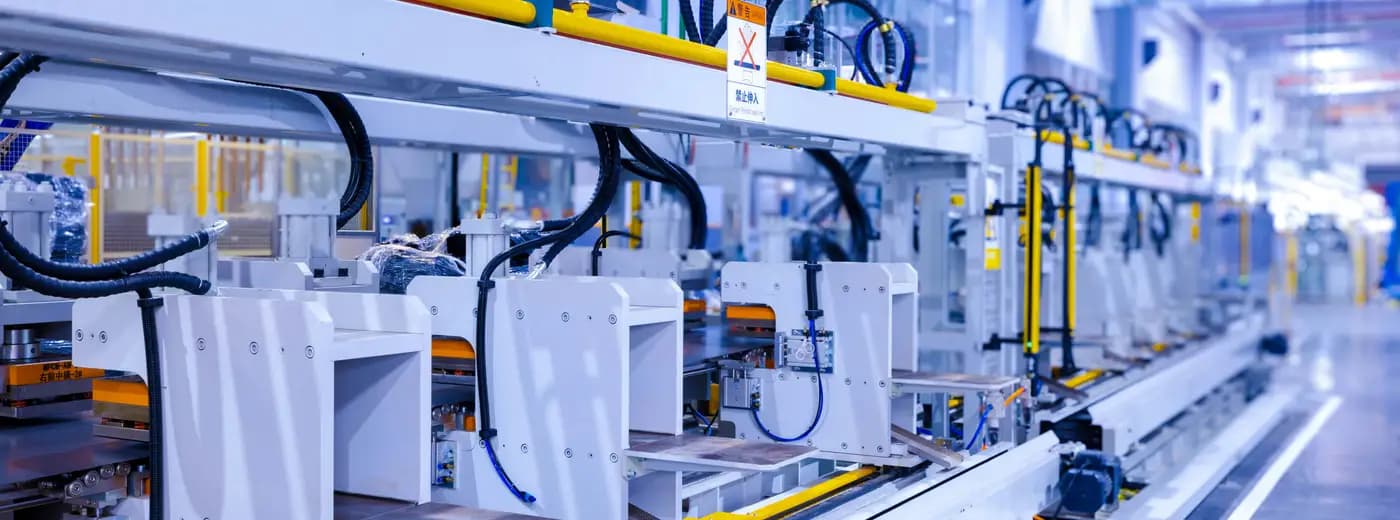
Marketing and systems each cover different moments. This is where they sit along a typical industrial customer journey.
Product data that engineers find and trust.
Fast, structured answers to technical questions.
A clear quote with the details already captured.
Order status without a phone call.
Prompts and records that make the next order easy.
These are examples of the kind of workflows we scope, not a list of completed client projects. Your audit decides which ones are worth building first.
 Built around the line
Collect specification details once, check completeness, and route to the right estimator.
Answer datasheet and compatibility questions from your documentation and escalate the rest.
Give dealers order status, documents, and availability questions one place to land.
Show orders by stage with owners and due dates from your ERP or MES data.
Log, assign, and track maintenance requests with approvals and reminders.
Flag out-of-range checks to the right person with the record attached.
The same phased method NextCTL uses on every build, with named deliverables at each step.
Map how RFQs, orders, and requests flow today and where information is re-keyed. You get a ranked plan and a fixed scope for the first phase.
Lock the data sources, integrations, and scope in a spec you sign before building.
Agents, dashboards, and integrations ship in weekly demos with live connections.
A staged rollout plant by plant or team by team, then monthly sprints that tune what works.
Names are tools we can integrate with, not partnerships. Where a system offers an API or a supported export, your audit confirms what connects.
NextCTL combines B2B digital marketing with AI agents and software for manufacturing businesses. Marketing brings in buyer and distributor inquiries. Agents and dashboards capture RFQs, answer product questions, and bring order, production, and maintenance information into one view for your team.
Where the system offers an API or a supported export, yes. ERP and MES systems vary widely, so the Operations Audit confirms what connects directly, what needs a lightweight bridge, and what is out of scope.
No. We build marketing, communication, and reporting tools. Our software reads and organises business data and routes requests to people. We do not build control systems for machines, and safety-critical decisions stay with your qualified staff and systems.
Only if you set the rules and connect a source you control. By default it captures the specification and hands a structured request to your estimator, so no customer is given a price or lead time your team has not approved.
No. We do not write ISO or similar certification claims, or output and efficiency figures, for your business. Marketing copy stays factual and is reviewed by you before it is published.
Tell us what you make and what you want to improve through the quote request. We usually begin with the 14 day Operations Audit so the first build is based on how RFQs and orders actually flow.
Manufacturing and industrial questions
Open a neutral research prompt in the AI you already use. It asks where NextCTL fits, where a freelancer or an in house hire may be enough, and what to verify before you choose.
AI answers can be incomplete. Check nextctl.com/methodology before deciding.
A 14 day audit shows where missed calls and slow follow up cost you most. Credited toward any build within 90 days.
Or run a free tool first:Website AuditAI Readiness Scan